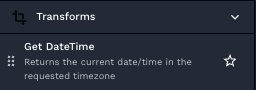
# Get DateTime transform action
## Use case
You would like to get the current date/datetime.
## Overview
Returns the current date/time in the requested timezone.
## Parameters
Parameter
Description
Required
DateTime format to return
Use https://strftime.org/ for various options
true
Timezone to return
The timezone you would like to have the date returned in.
true
{% hint style="info" %}
Some timezone values are timezone naive, such as EST. Say you would like to use a timezone aware value. Following that example, you should use America/New\_York or US/Eastern.
A good point of reference is:
{% endhint %}
## Usage
Example: Get Current DateTime for US Eastern
Inputs:
**DateTime format to return:** %Y-%m-%dT%H:%M:%SZ
**Timezone to return:** US/Eastern
## Results output
Results of Example:
```
2025-04-16T08:07:04Z
```